Wedding keepsake
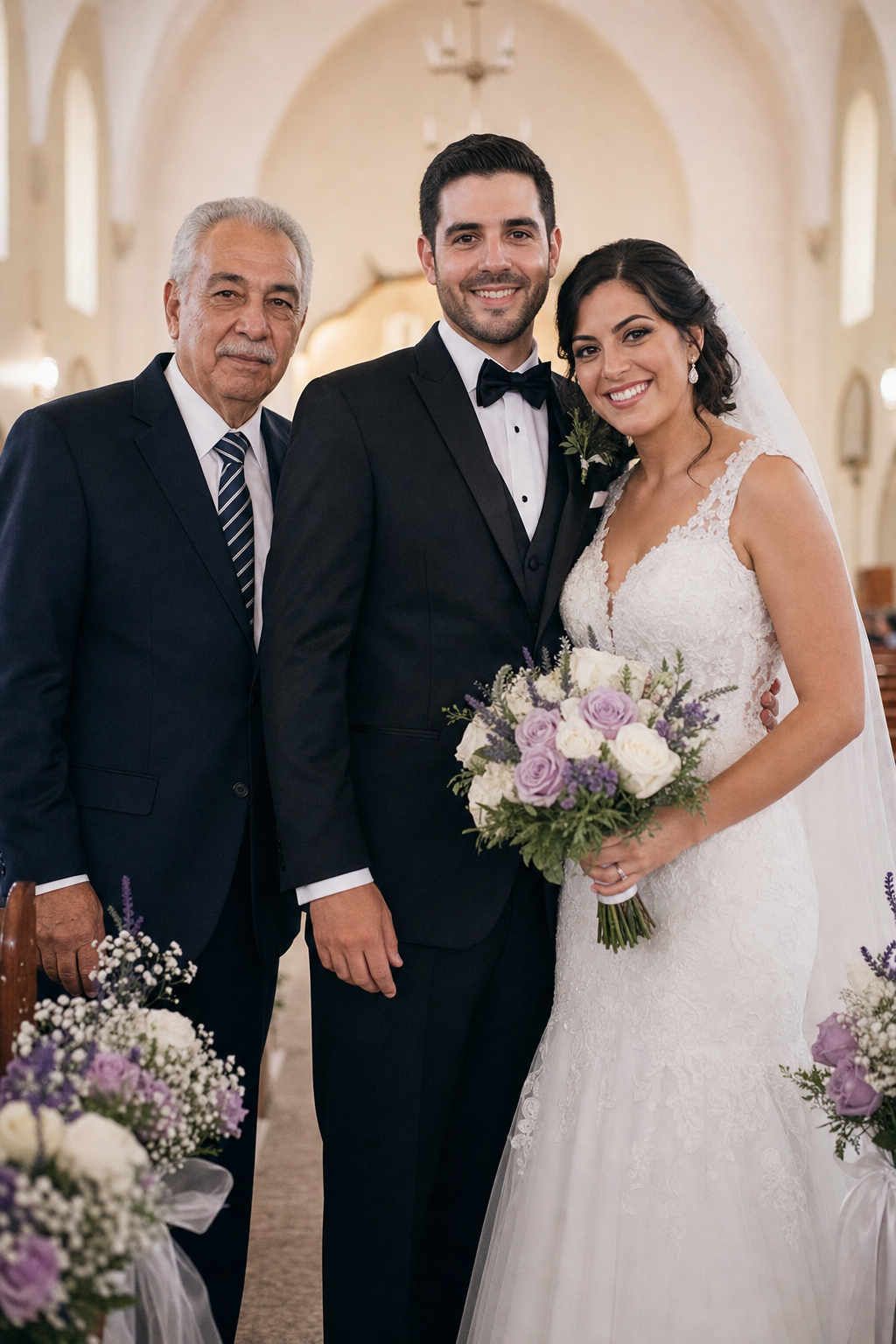
Add loved one to photo so a late father can stand beside the couple at the altar, lit exactly like the rest of the wedding party and printed for the album.
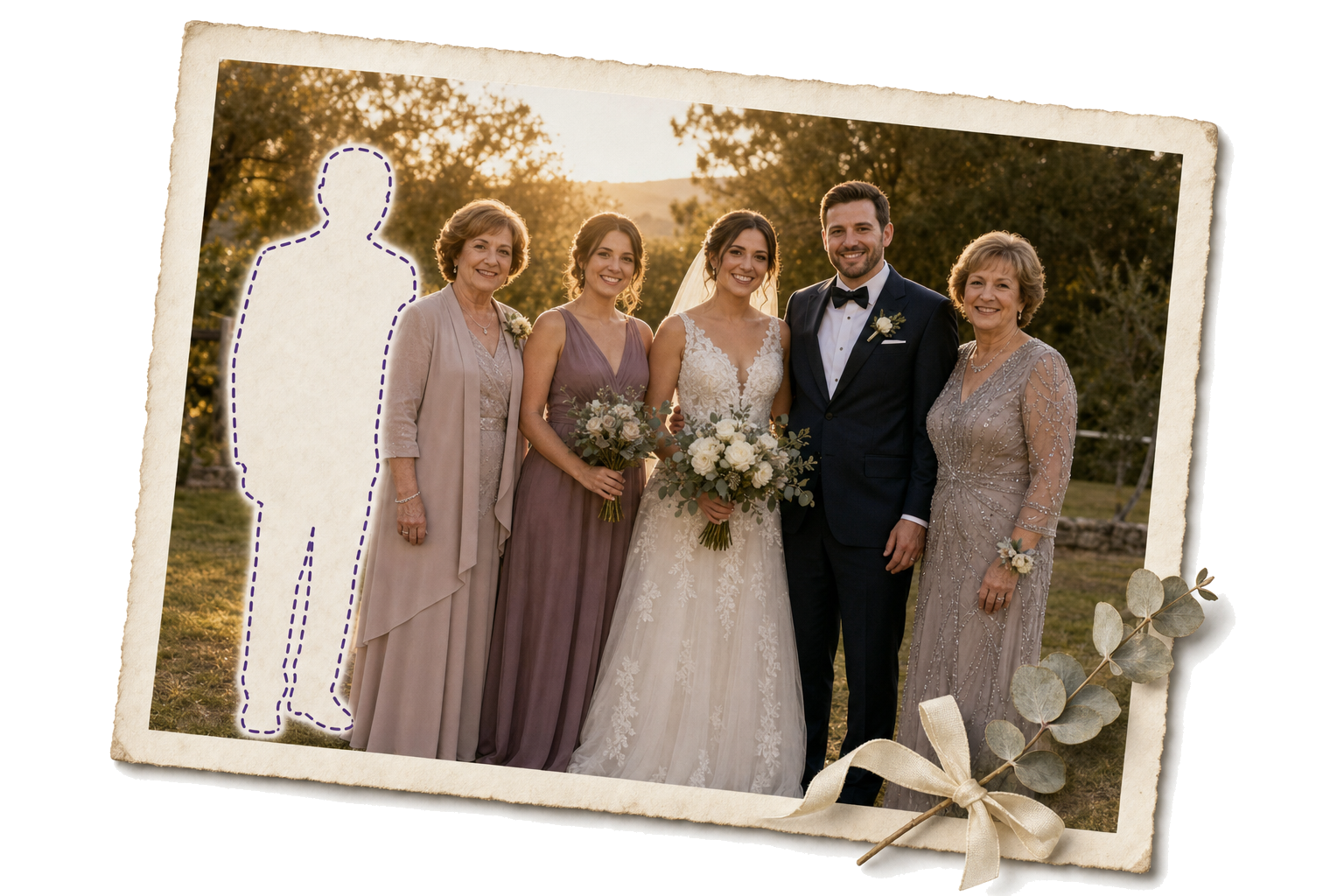
Place a missing parent or relative into the family group photo you already have, not a portrait of just the two of you. Add loved one to photo with matching light and scale, so they stand naturally beside everyone else in the frame.
Sign in to save and view your generation history: Sign in
When a parent missed the wedding, or a grandparent never saw the graduation, the empty place shows every time the photo comes out. Add loved one to photo puts them back in the frame.
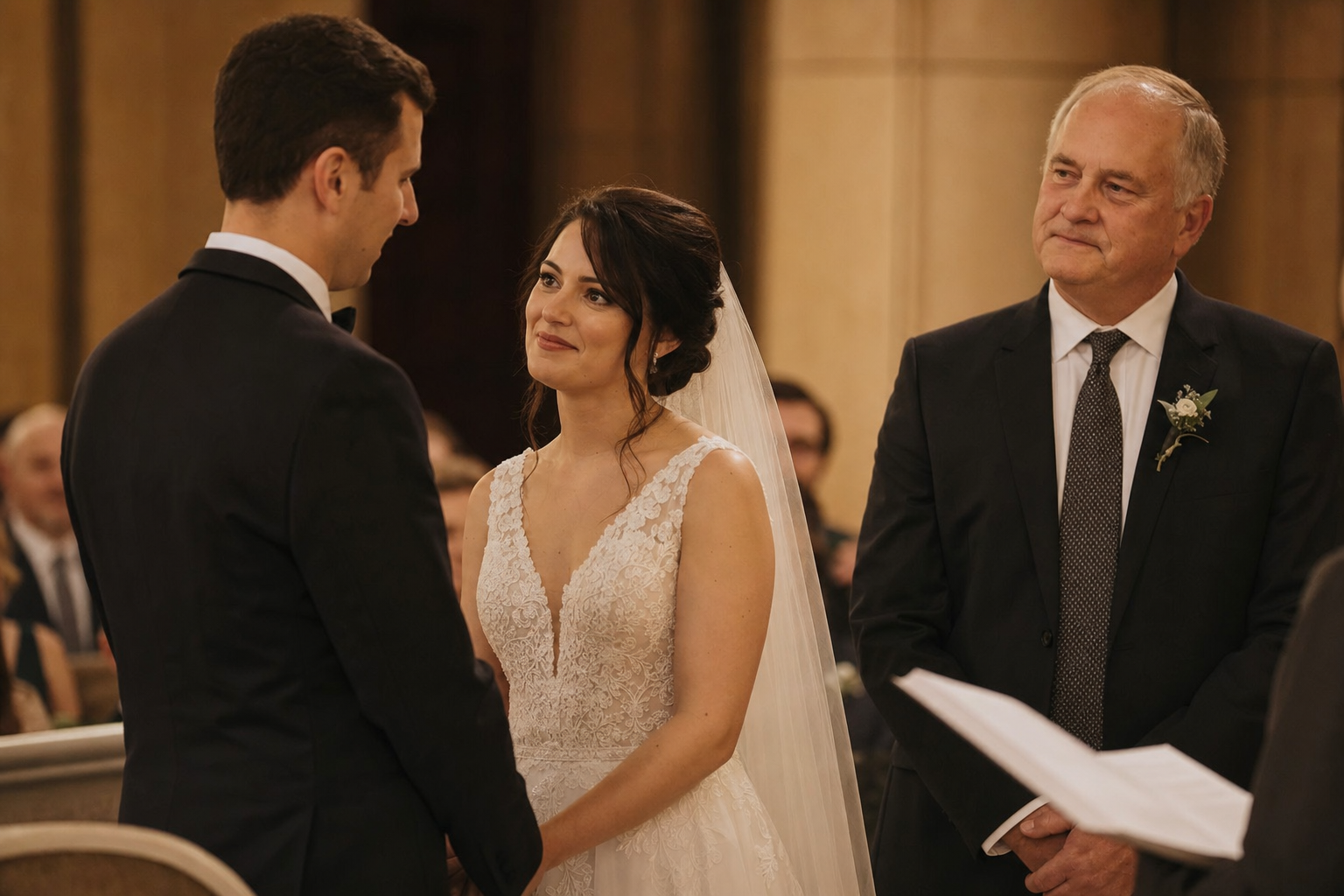
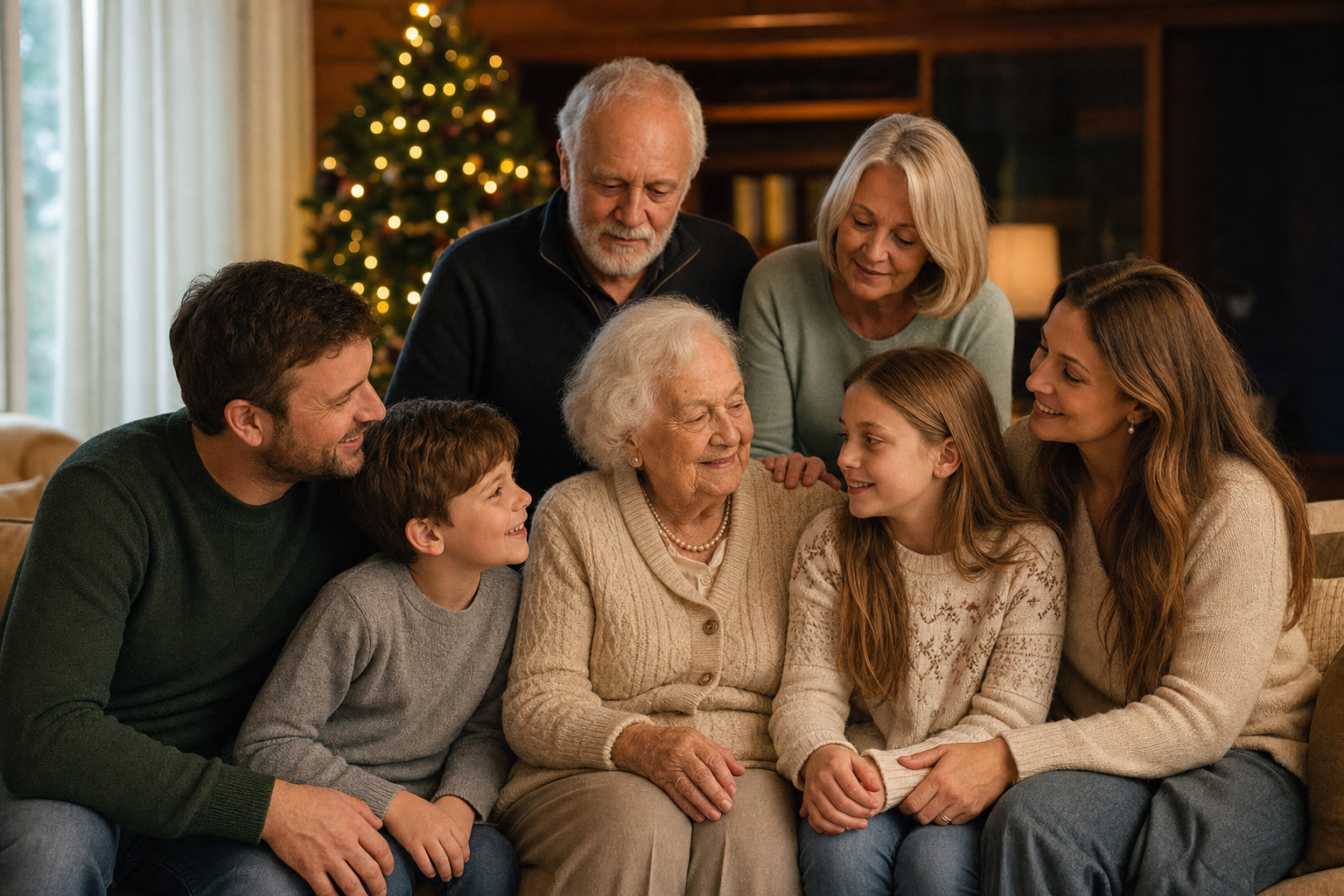
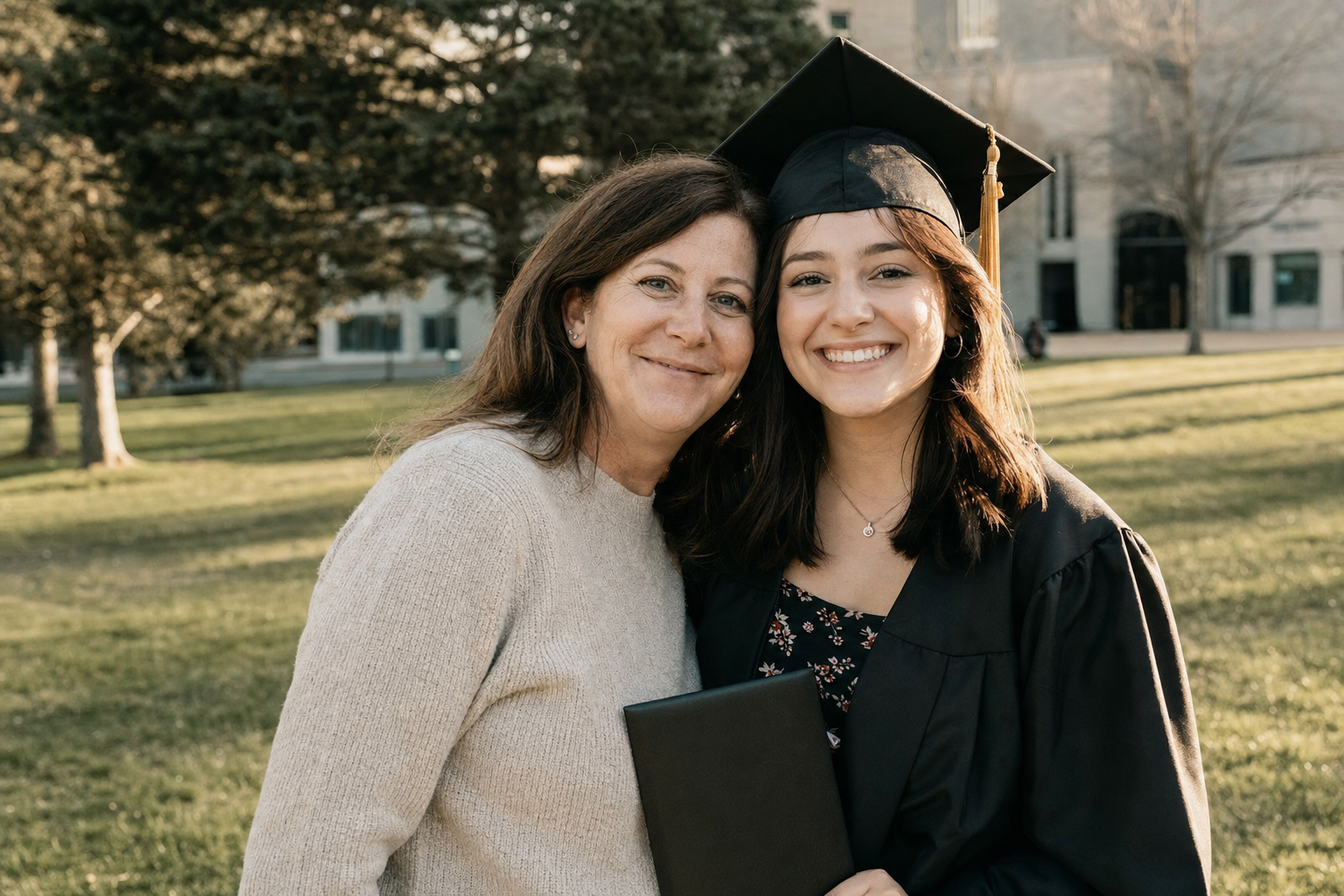
Three steps, about two minutes from upload to download, and no editing skills required at any point. Most people finish their first add loved one to photo composite on the very first try.
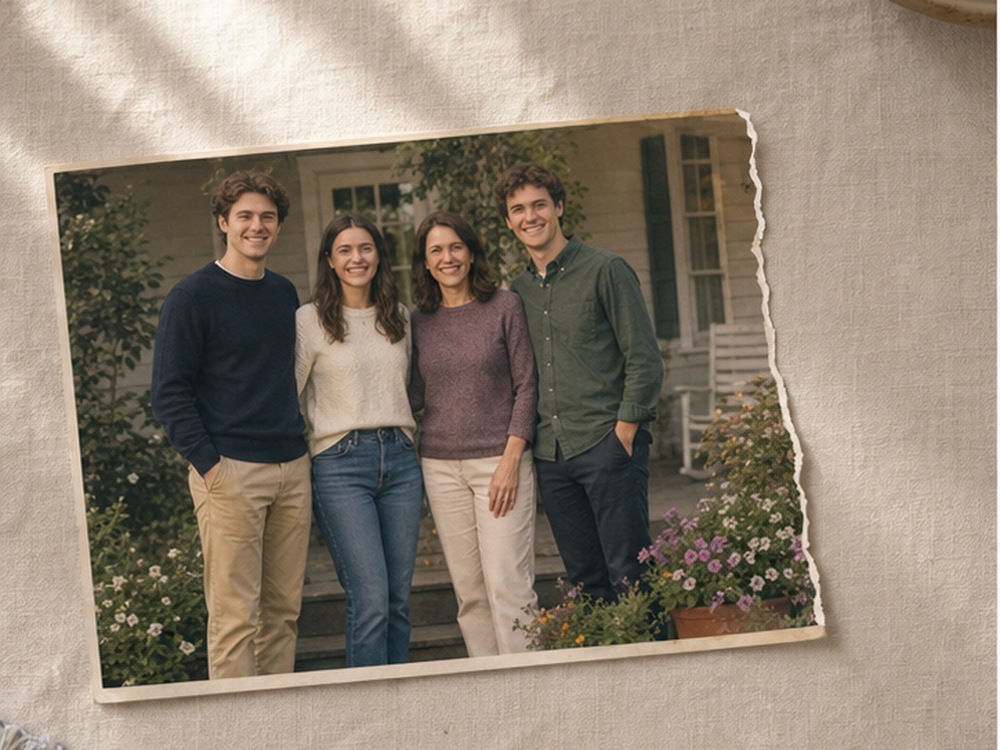
Choose the family or wedding photo that feels incomplete, the one where someone you love is missing from the frame. Keep every original person exactly as they are; nothing else in the scene changes.
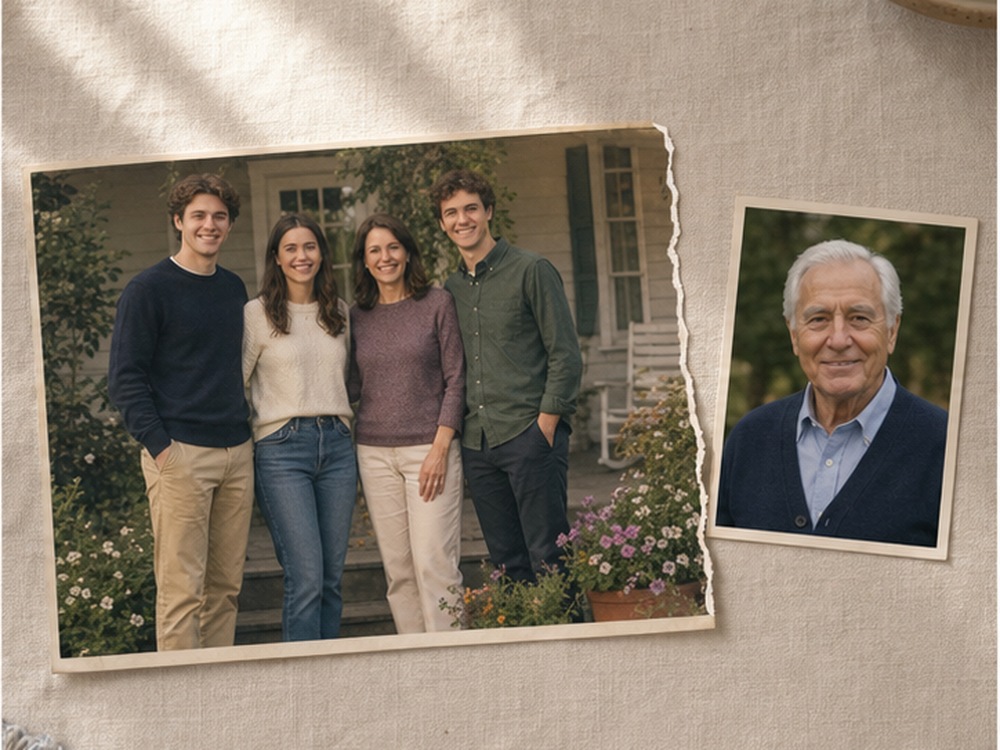
Upload a clear photo of the person who belongs there. A face-forward portrait works best, and even an older print works well once the likeness and lighting are clear enough to match.
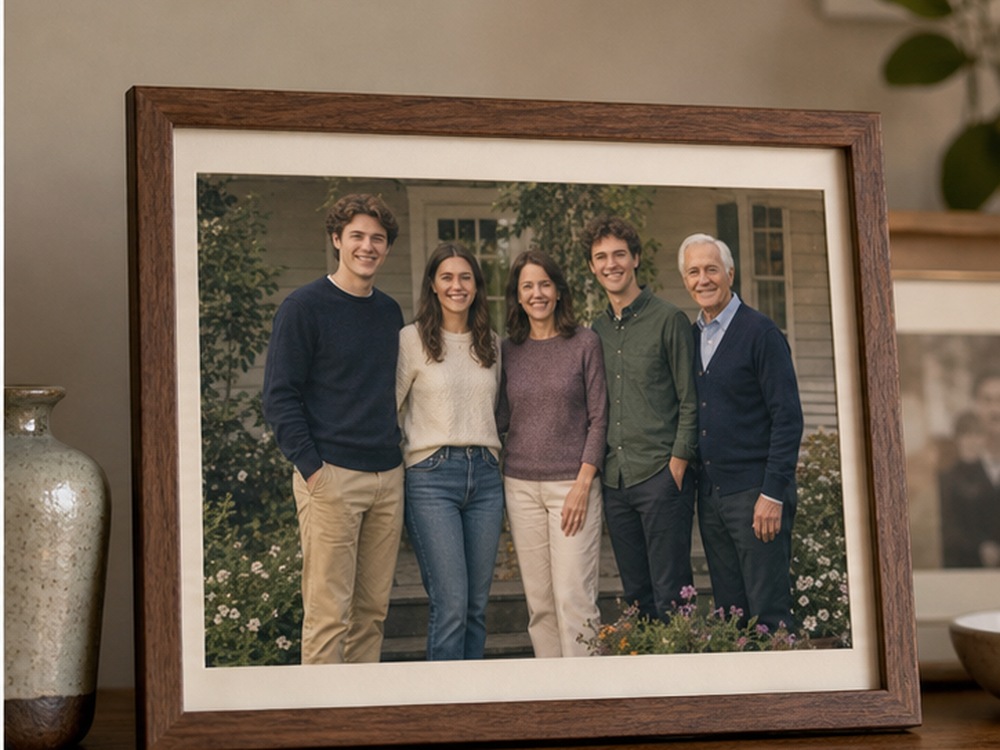
In about two minutes you get a high-resolution composite ready to frame or print. Add loved one to photo when the moment matters more than a technically perfect retake ever could.
Add loved one to photo works for the quiet gaps families carry: a late father who should be beside the couple, a grandmother missing from the holiday table, a sibling who could not make the trip home. Each one deserves to look like it was always there, not added after the fact.
Add loved one to photo so a late father can stand beside the couple at the altar, lit exactly like the rest of the wedding party and printed for the album.
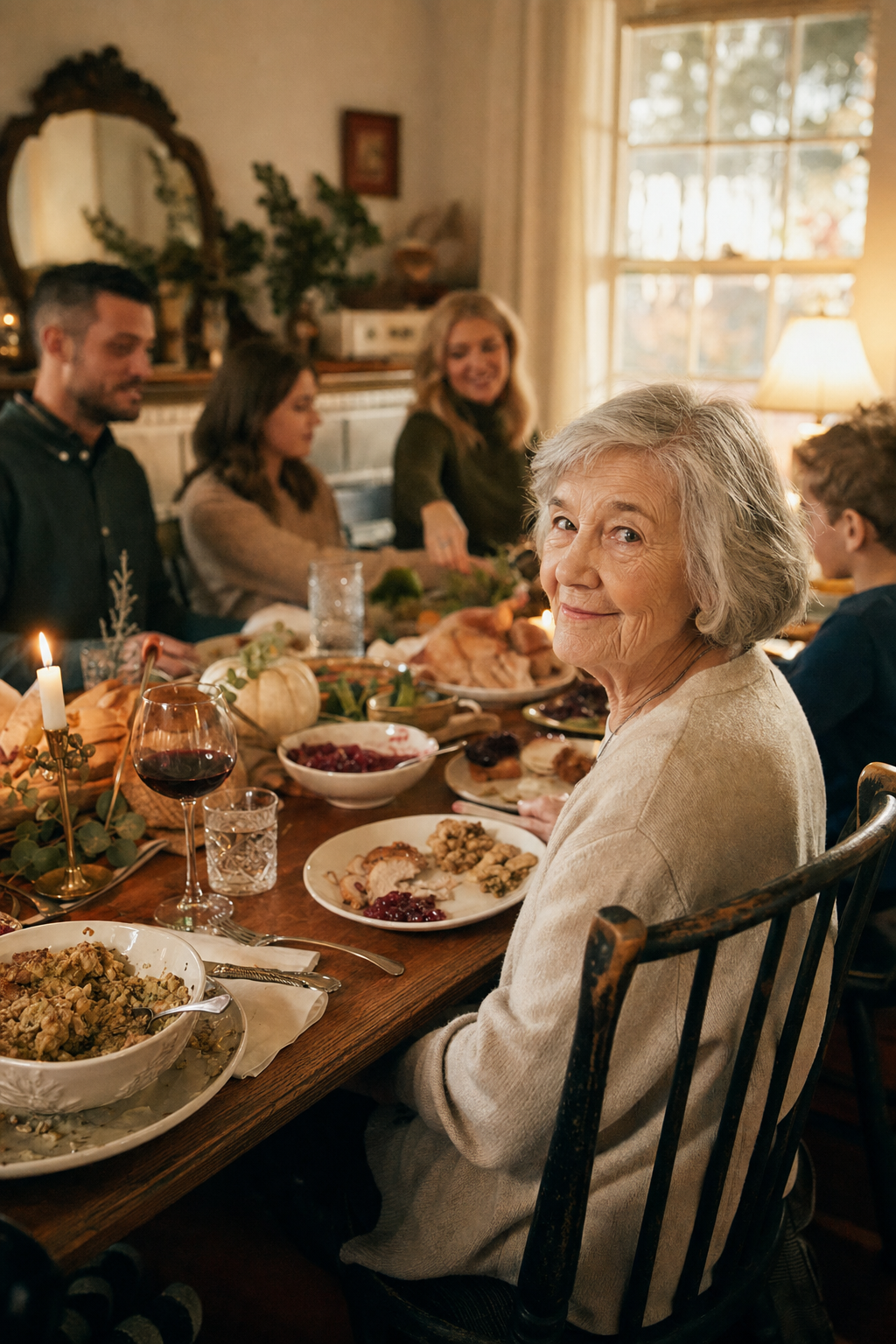
A grandmother takes her seat at the end of the table, matched to the same warm indoor light as everyone gathered around her for the holiday.
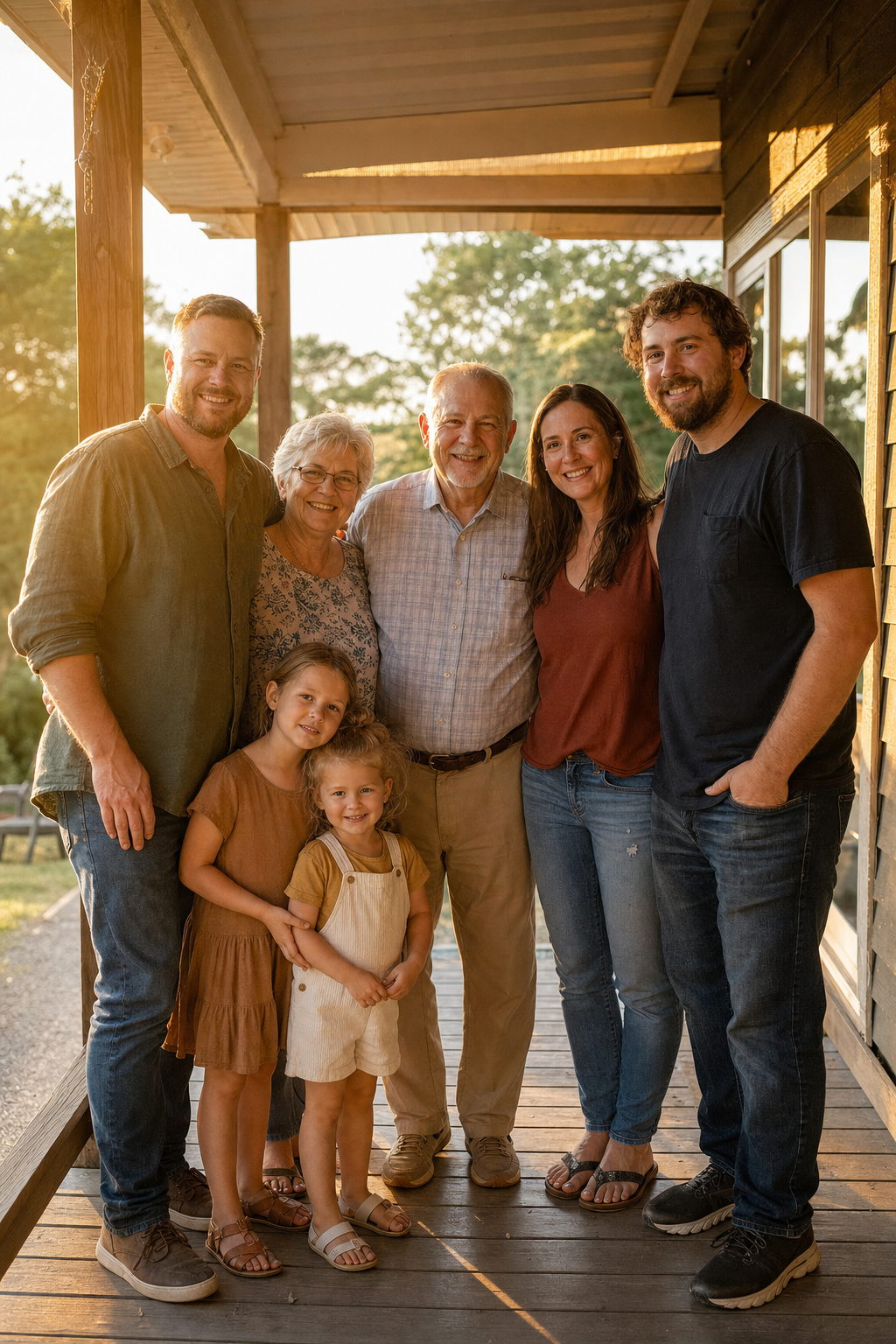
A sibling who could not travel still stands at the edge of the group, present in the photo the whole family will keep and pass down.
A brother or sister stationed overseas or living abroad still gets a place in the reunion photo everyone else stood for that day, matched to the same light and scale as the group.
Work, distance, or illness can keep a parent from a milestone. Add loved one to photo so their place beside you is never left empty, no matter what kept them away.
Not every memory needs to be perfectly literal. A friend who had to cancel can still stand with the group in the photo you all keep and look back on for years.
Every one of these starts the same way: one photo of the scene, one clear portrait, and a little patience while the AI does the blending.
A few small choices before you add loved one to photo. None require design experience.
Choose a portrait photographed in light similar to the scene, whether that is soft indoor lamps, open daylight, or golden-hour sun, so the blend feels effortless rather than layered on top.
A face-forward angle works better than a sharp profile. Older prints are fine as long as the features are still easy to make out once scanned or photographed clearly.
Use the extra instructions field to describe the spot: beside the bride, at the end of the table, just behind the front row, or wherever feels right for the memory.
The AI adapts clothing to match the season and setting of the scene, so a portrait taken decades earlier can still fit naturally into a photo from today.
None of these tips are required. You can add loved one to photo with just the two photos and no extra instructions at all, and still get a natural-looking result.
None of this works without care behind the scenes, especially with photos this personal.
Every request to add loved one to photo is treated like the personal memory it is, not a bulk edit job pushed through a queue.
Photos are auto-deleted within days and never used to train other models or shown to anyone else outside your own account.
No design software, no layers, no waiting on a studio appointment. Upload both photos, adjust the instructions if needed, and download.
Results arrive high-resolution, so the finished photo can be framed, printed at any size, or shared without losing detail along the way.
That combination is why so many families come back to add loved one to photo for the next milestone, and the one after that.
Yes, when the intent is remembrance. Many families keep a private print just for themselves. Add loved one to photo stays quiet and natural, never loud or attention-seeking.
The AI matches light, shadow, and perspective automatically. For the best add loved one to photo result, choose a portrait with lighting reasonably close to the group photo.
Upload both photos in the tool above, and say where the person should stand if it matters to you. Add loved one to photo needs no design skills at any step, and there is no account required to try it once.
Yes. As long as the face is recognizable, add loved one to photo can work from scanned prints, even ones that are faded or slightly damaged.
JPG, PNG, and HEIC all work, and photos up to 4K resolution are supported so the finished keepsake stays sharp when printed.
Yes, run add loved one to photo again on the same result to bring in a second person, adding them one at a time so each blend stays clean.
Anything else can go to support directly, and most questions about a specific photo get answered within a day.
Start with the photo you already hold close. Add loved one to photo, then keep the result somewhere family can see it: framed on a shelf, printed for an album, or shared in the family group chat where everyone will notice.